Industry
AI in Architectural Visualization: Where It Helps, Where It Doesn't
AI is fast at motion and narration but still drifts from the drawings. Where AI helps architects' presentations, where it falls short, and how to test it.

Two claims about AI in architectural visualization keep coming up. One says AI will replace renderers. The other says it isn't ready for real projects. Both are partly true, because "AI rendering" covers several very different jobs.
The useful question for an architect isn't whether a studio uses AI. It's which parts of the work AI touches, and which parts stay tied to your drawings.
What an architect needs from visuals
Before judging any tool, it helps to be clear about the job. Presentation visuals have to do four things:
- Match the design. Openings, proportions and heights as drawn.
- Stay consistent. The same building in every view, with the same materials and light.
- Convey the experience. Light, material and how it feels to move through the space.
- Explain the reasoning. Why the design is the way it is, especially when you're not in the room.
AI is strong on some of these and weak on others.
Where AI helps
Motion. Turning approved views and camera paths into cinematic sequences is where AI saves real time. Movement that used to need a separate animation production can now come together alongside the stills. That's part of why a walkthrough no longer has to take weeks.
Narration. A clear voice-over turns a walkthrough into a briefing a client can replay or forward. AI makes narration fast to produce and easy to revise when the design changes. That's what makes guided presentations practical on ordinary project timelines.
Early options. At concept stage, quick mood studies help a client react to light or palette before anything is fixed. They're conversation starters, not design decisions.
Where AI still falls short
Fidelity to drawings. Image models reinterpret. Ask one to render from an elevation and it may move a window, add a mullion, change a roof pitch or invent a detail that looks plausible. To a client, the image looks finished. To an architect, it's wrong.
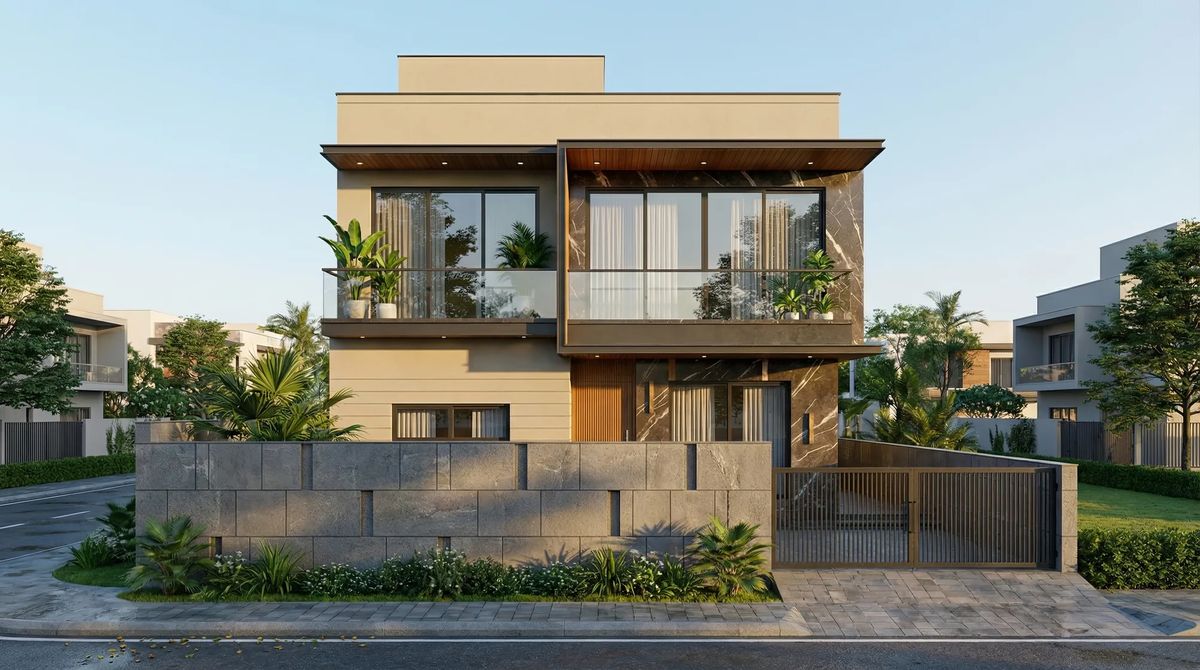
Consistency across a set. Generated images tend to drift from view to view: a material shifts, a railing changes, a room grows. A client who notices one inconsistency starts doubting the whole design.
Specified materials. "Warm oak" is easy. A specific stone or a particular brick bond is not, and approximations show up in front of exactly the client who chose them.
A quick test for any AI-assisted render
- Overlay the render on the matching elevation or section. Do the openings line up?
- Count the windows, columns and steps. Do they match the drawings?
- Compare the same element across two views. Is it the same?
- Ask the studio how geometry is controlled before any AI step runs.
Where we draw the line
We use AI in our walkthroughs and narrated presentations, for motion and voice. We don't let it decide the building. Geometry, proportion and openings come from your drawings and are locked before any AI step touches the scene.
That's the order behind the walkthroughs on our work page: model and camera first, checked against the drawings, then motion and narration on top.
AI for speed. Drawings for truth.
Questions to ask a studio that uses AI
- Which steps use AI, and which don't?
- Is geometry fixed from my drawings before AI is applied?
- How do you keep materials and details consistent across views?
- What do I review before anything goes photoreal?
If you're comparing studios, these seven checks cover the rest. Or see how we work with architects and our work. Every great design deserves to be understood.