
Your render shows the space.
The walkthrough lets them experience it.
Turn approved architectural visualizations into cinematic movement, atmosphere and spatial experience, without taking the project through the traditional animation production timeline.
A render gives them a view. A walkthrough gives them a journey.
A still image can show material, light, scale and atmosphere in a single moment. A walkthrough connects those moments, letting the viewer move through the space and understand how it comes together.
Spatial understanding
Move through rooms, transitions and circulation as one continuous experience.
Material and atmosphere
See how light, material and mood shift as the camera moves through the space.
Presentation impact
Give clients something they can experience, not another static slide.
The walkthrough doesn't have to start from scratch.
Traditional architectural animation can require a separate production process, scene preparation, animation setup, rendering and editing, often taking weeks to move from still imagery to finished motion.
We can start from the visual work you already have and use an AI-assisted workflow to create the cinematic sequence in a much shorter production window.
Start with what you already have.
The walkthrough is not an entirely separate visualization project. It extends the renders, models and approved assets already on the table.
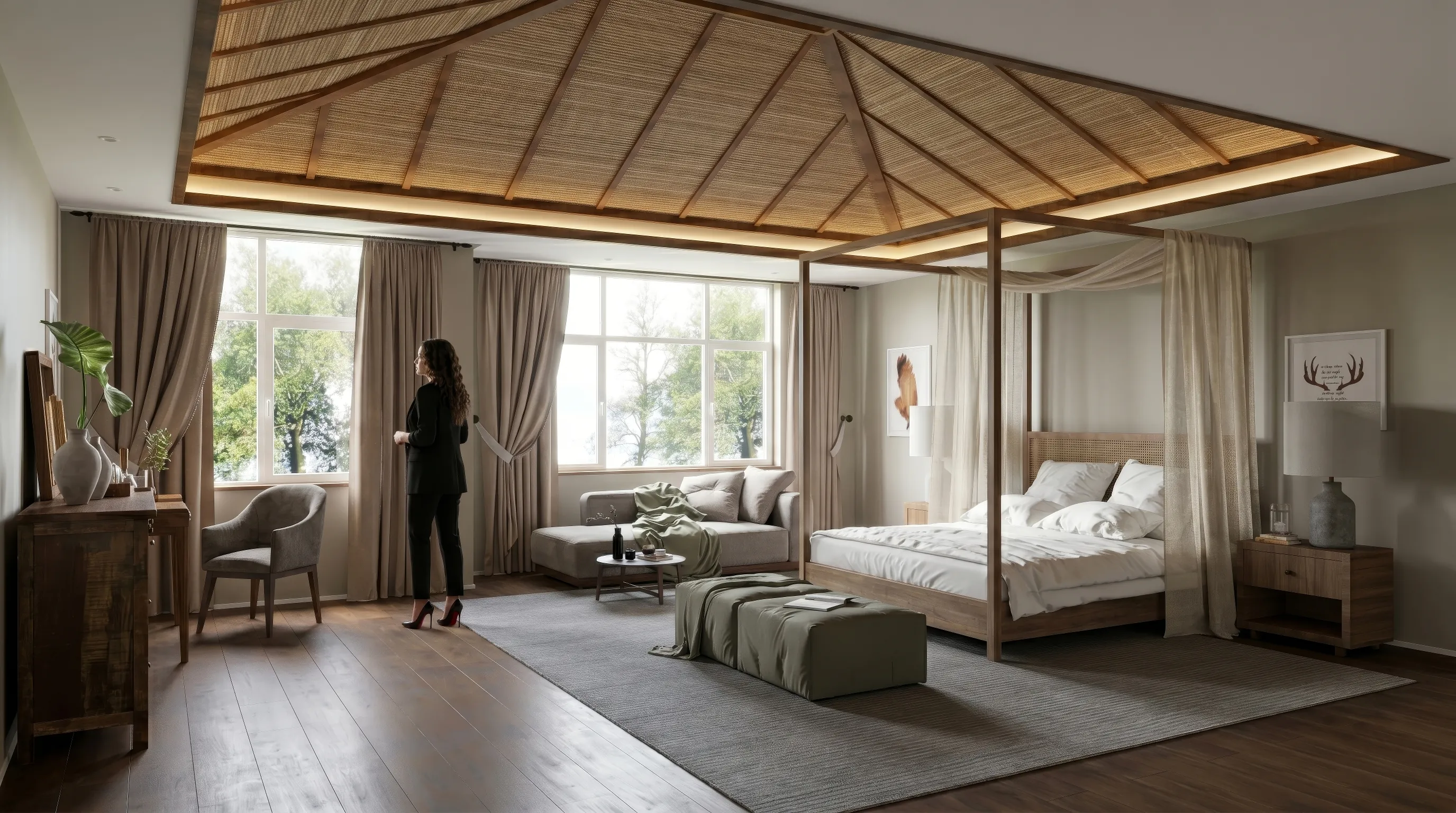
From a multi-week animation workflow
to a presentation in days.
A dedicated animation process can mean scene preparation, animation setup, rendering, editing and finishing, often two to six weeks and several vendors between stills and finished motion.
- Existing Visual Assets
- AI-Assisted Production
- Camera Movement + Pacing
- Editing + Narration
- Presentation-Ready Walkthrough
Current stated delivery range for this workflow.
Traditional animation remains a legitimate craft. We haven't replaced it, we've compressed a traditionally heavy production workflow.
The same design.
A different way to experience it.
Start with the approved visual language of the project. Then add movement, pacing and atmosphere to create a walkthrough your client can experience.
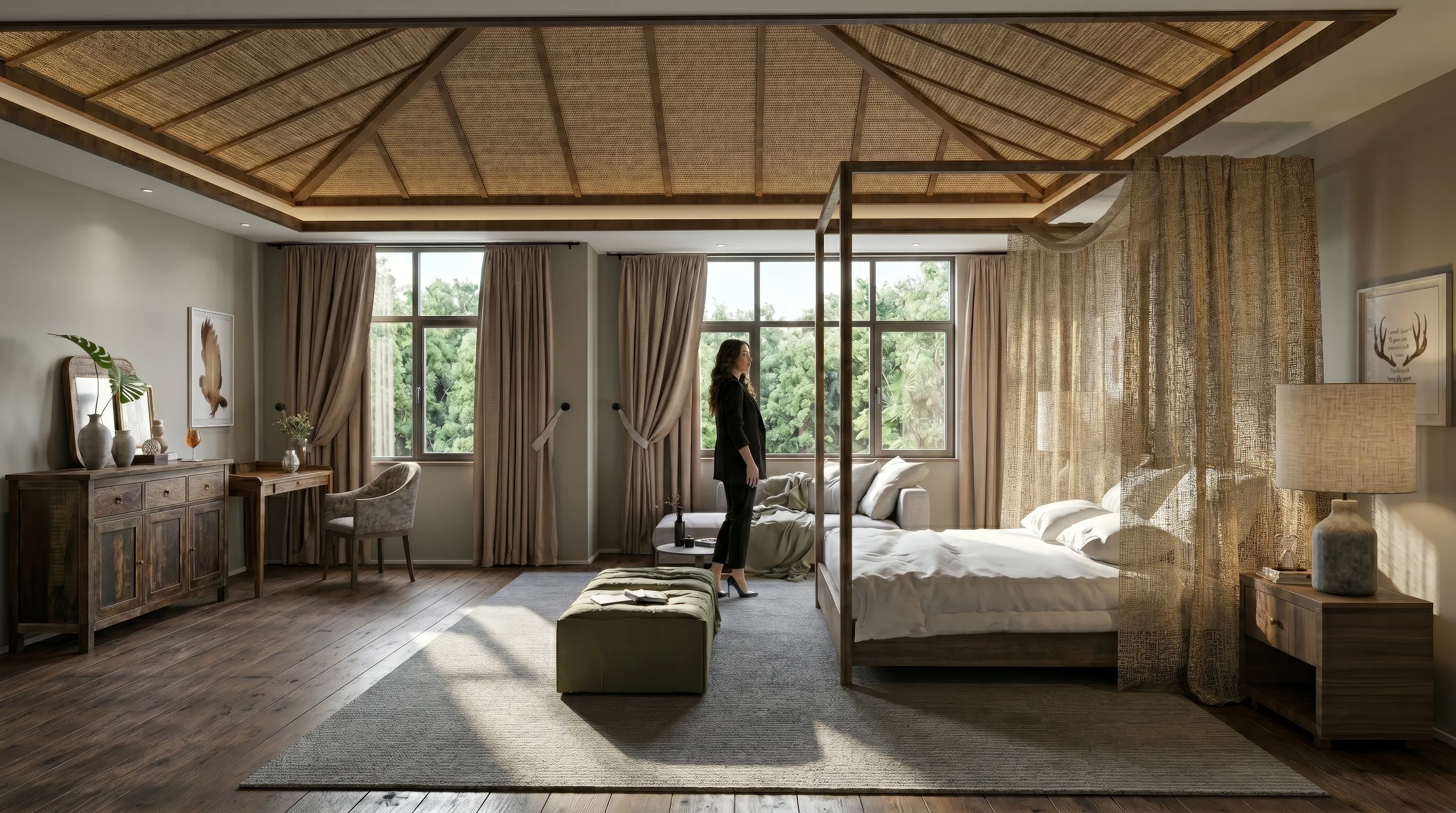
Movement gives the design context.
A good walkthrough is not simply a camera moving through a model. Depending on the project, it can help a viewer understand:
- Arrival
- How the project reveals itself from the outside.
- Circulation
- How spaces connect and how a person moves through them.
- Scale
- How rooms, openings, furniture and architecture relate to one another.
- Atmosphere
- How light, material and spatial rhythm shape the experience.
- Intent
- What the designer wants the viewer to notice.
Your visual foundation stays. We build the experience around it.
Review the Visuals
We look at the approved renders, 3D models or other available project assets and determine what can translate best into motion.
Define the Journey
We identify the route, key views, movement and pacing that best communicate the project.
Build the Walkthrough
Our AI-assisted workflow creates the cinematic sequence, followed by direction, editing and refinement.
Review & Deliver
One round of review is included in the current service model, followed by a presentation-ready export.
One studio. One point of contact. No vendor handoff.
This is what the difference looks like.
Use motion when the design
needs to be experienced.
- The client needs to understand the flow of a space.
- Residential interiors, villas, hospitality spaces, large developments, masterplans and public-facing environments.
- You are presenting a design remotely.
- A walkthrough can carry more context than a sequence of still images.
- The project needs a stronger presentation moment.
- Use movement and atmosphere to make a client presentation more memorable.
- You already have strong visual assets.
- The workflow is built specifically to extend the visual foundation already available.
Let's turn your visualizations
into an experience.
Send us your existing renders, plans or project details. We'll look at what you have and recommend whether a walkthrough makes sense, and how far we would take it.