
From visualizing the design to helping clients experience it.
Brink Arc combines photoreal visualization, cinematic walkthroughs and guided presentation experiences to help design teams communicate their work with clarity and confidence.
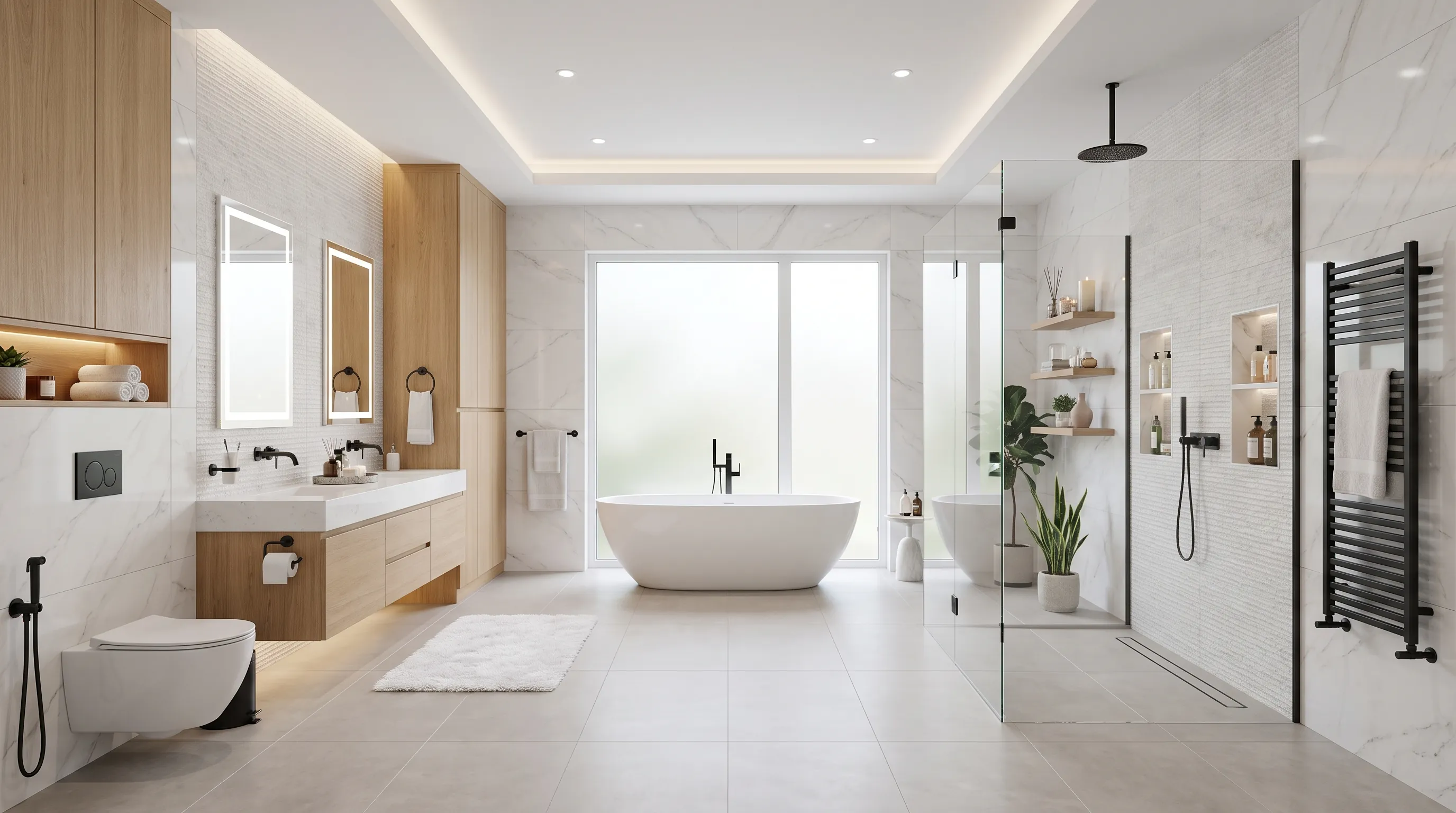
Give the design a finished form.
Photoreal architectural visuals that make material, light, scale and design intent easier to understand.
Let the client move through the design.
A render shows a moment. A walkthrough gives the project movement, scale and atmosphere.
Let the design explain itself.
Combine visualization, movement and narration into a presentation that guides your client through the design, even when you are not in the room.
Start with the design.
Choose how far you want to take it.
Every project starts somewhere, a floor plan, sketch, site layout, 3D model or existing visualization. We build from what you already have and create the level of visual experience your presentation needs.
Give the design a finished form.
Photoreal architectural visuals that make material, light, scale and design intent easier to understand.
We can start from your plans, sketches, site layouts or 3D models and turn them into presentation-ready imagery.
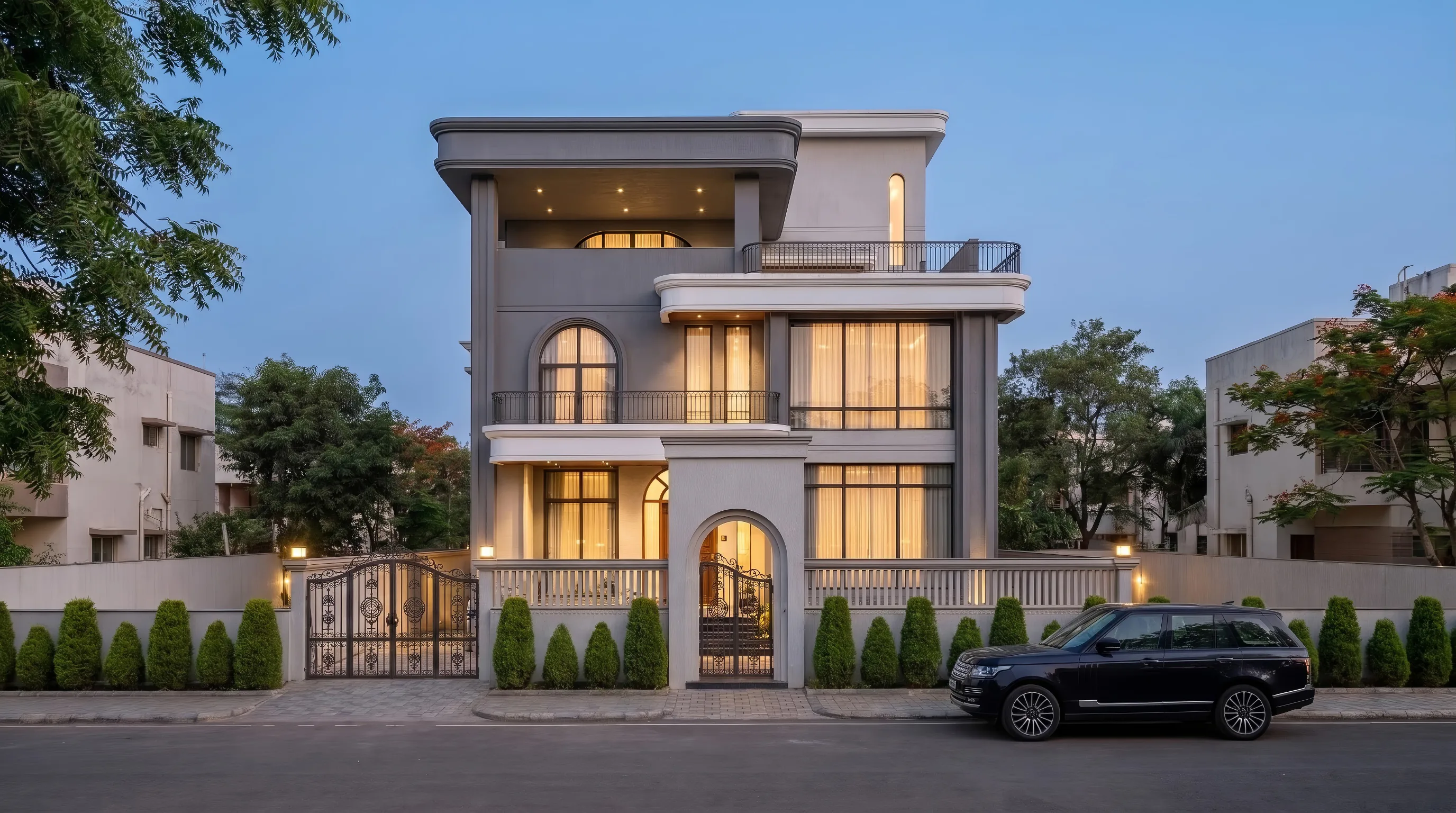
Exterior Visualization
Create a clear sense of architecture, context, landscape, light and atmosphere.
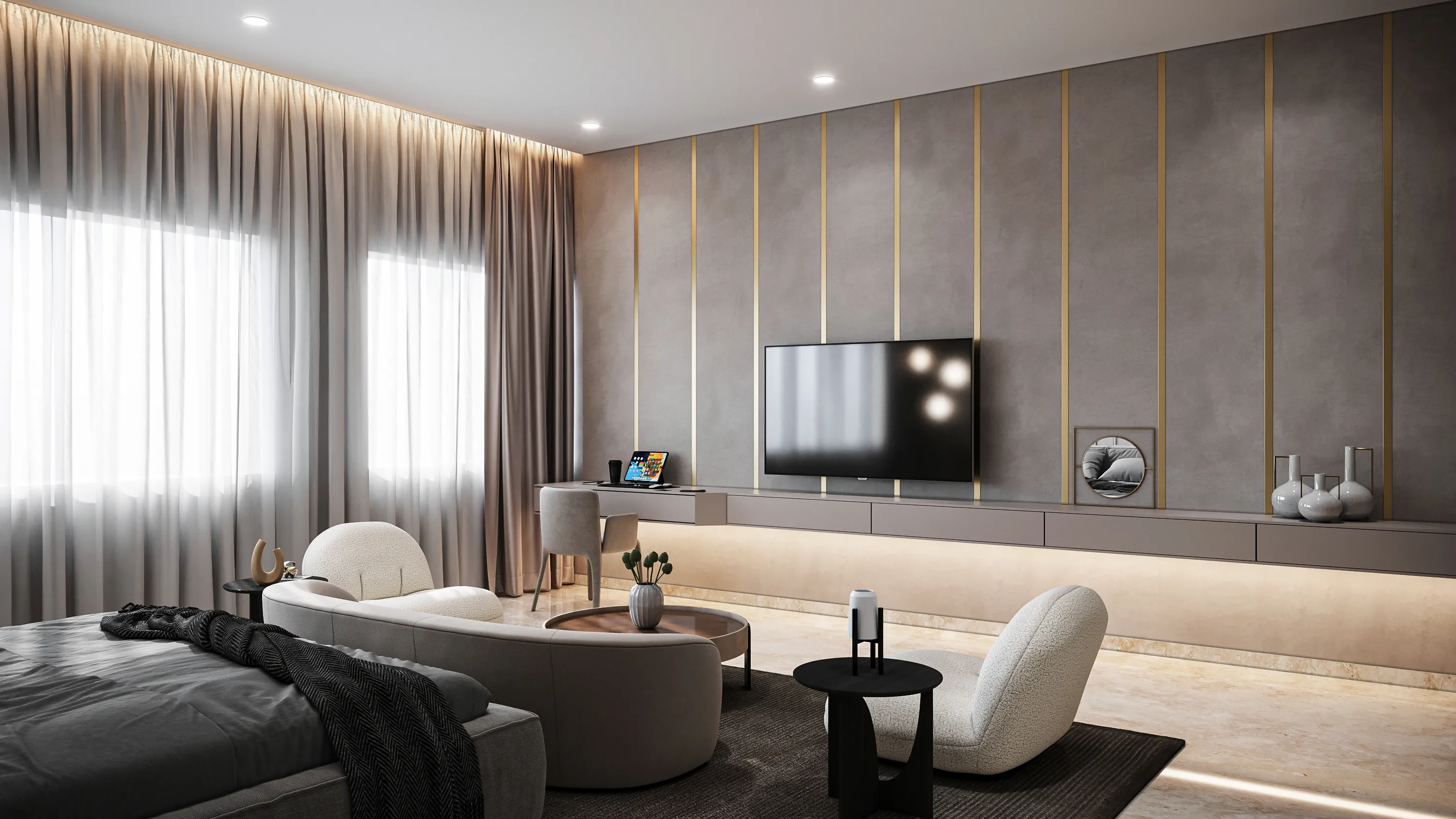
Interior Visualization
Communicate materials, furniture, lighting, spatial relationships and mood.
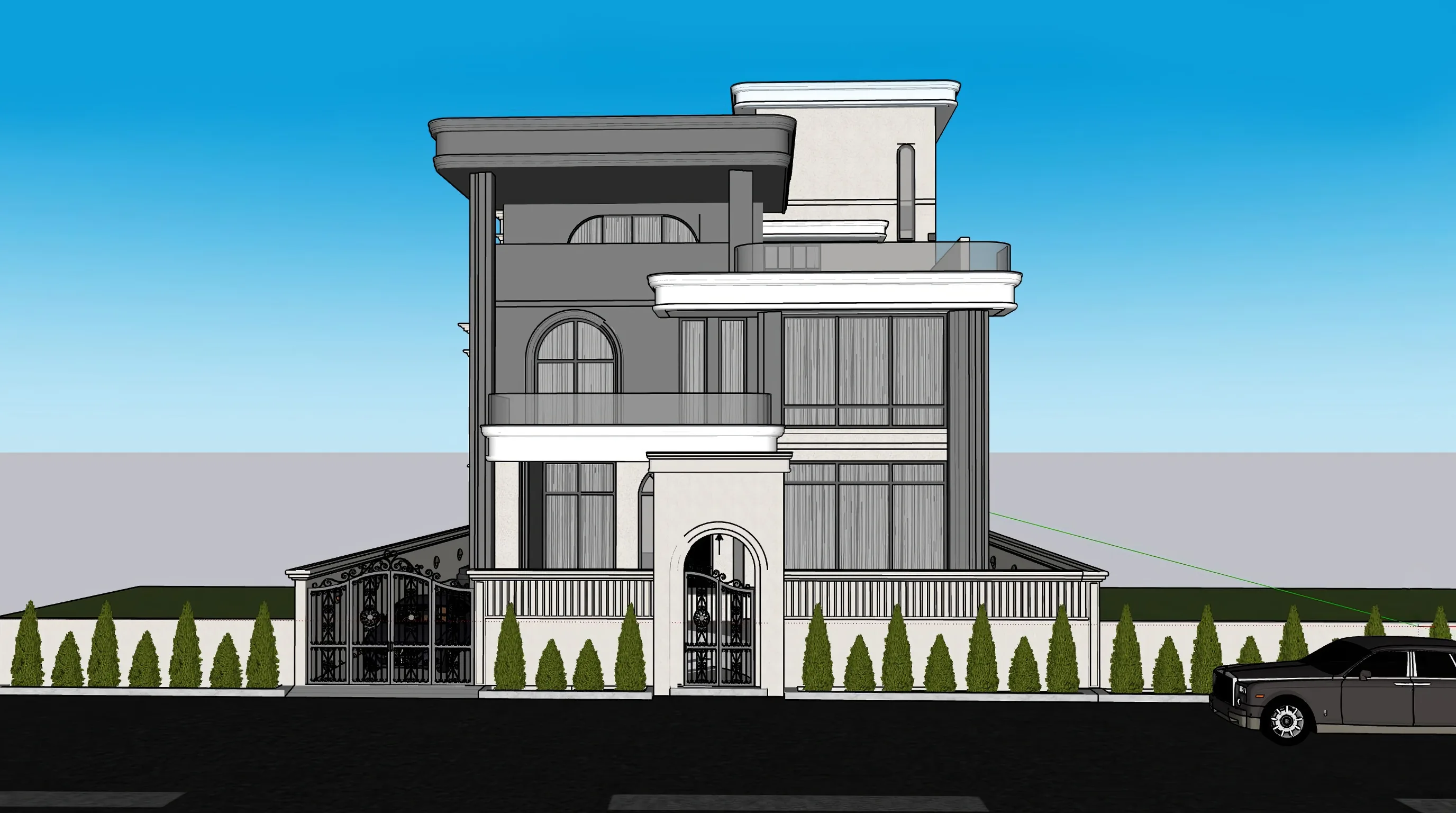
Isometric / Architectural Visualization
Present spatial relationships and design intent from a clear, controlled viewpoint.
Presentation Imagery
High-resolution visuals suitable for client presentations and project communication.
The render is not the end of the workflow. It is the foundation.
Let the client move through the design.
A render shows a moment. A walkthrough gives the project movement, scale and atmosphere.
When your visualizations are approved, we can use them as the foundation for a cinematic walkthrough rather than treating animation as an entirely separate production exercise.
A dedicated animation process can involve scene preparation, animation setup, extended production, rendering and editing.
3–7 Days
More experience from the visual work you already have.
Approved visualizationsAI-assisted productionMovement + pacingCinematic walkthrough
Let the design explain itself.
Combine visualization, movement and narration into a presentation that guides your client through the design, even when you are not in the room.
What the presentation can explain
Material choices
Spatial planning
Functional decisions
Lighting
Furniture
Circulation
Design intent
Project features
Not just a walkthrough. A guided story around the design.
One visual foundation. Three levels of experience.
Start with what the project needs. Build further when the presentation calls for it.
- Visualize
Photoreal Render
- Experience
Walkthrough
- Present
Guided Presentation
Foundation — Your Design
- Visualize
Photoreal Render
- Experience
Walkthrough
- Present
Guided Presentation
If you need to...
Show the finished design
→ Photoreal Visualization
If you need to...
Help clients experience the space
→ Cinematic Walkthrough
If you need to...
Explain the thinking behind the design
→ Guided Presentation Experience
If you need to...
Present the complete project experience
→ Complete Presentation Package
Let's decide how far your presentation should go.
Send us your plans, sketches, site layout, 3D model or existing renders. We'll look at what you already have and recommend the right visual experience for the project.